 HirePal

After 20 applications, memory stops working. After 50, chaos costs you interviews.
TL;DR: Keep one tracker with eight columns: company, role, link, date applied, resume version, contact, status and next step with a date. Use six statuses, follow up after about a week, and spend 20 minutes every Friday updating it. The “next step” column is the one that gets you hired.
Here’s a situation almost every job seeker hits. A recruiter calls: “Hi, this is about the analyst role you applied for.” You have no idea which company, which role, or which resume you sent. You bluff, and it shows.
Or worse: you never follow up on the application that was closest to an interview, because it got buried under 40 others.
A tracker fixes both. It doesn’t need to be fancy. A Google Sheet or a notes app works. What matters is that it has the right columns and that you look at it every week.
The 8 columns that matter
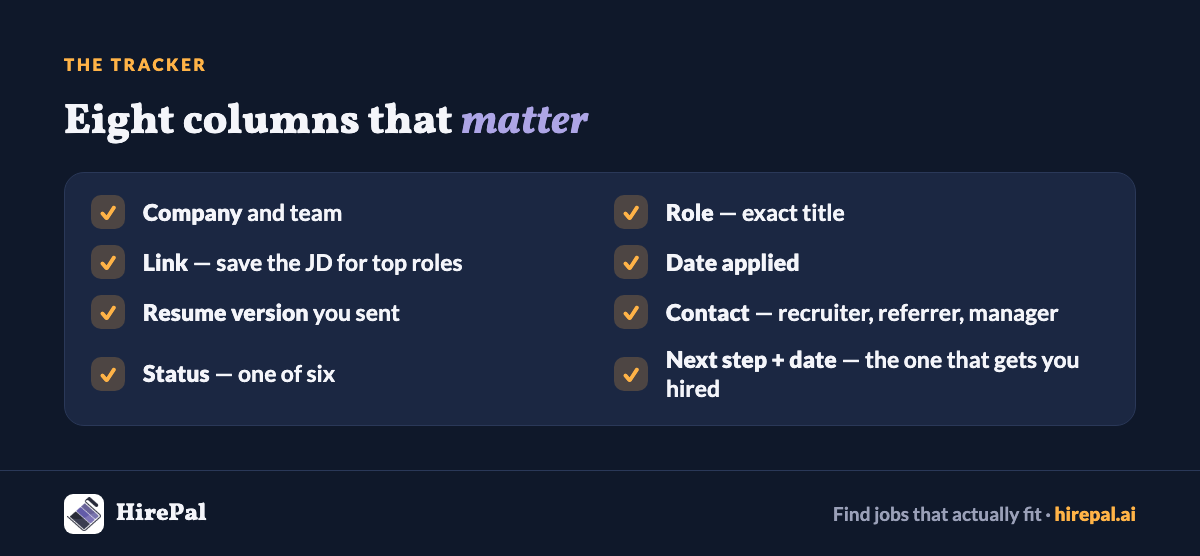
- Company — and the team, if you know it.
- Role — the exact title from the listing.
- Link — the listing URL. Listings disappear; save a PDF of the job description for roles you really want.
- Date applied.
- Resume version — which file you sent (for example “v2-product”). This saves you in the recruiter call.
- Contact — recruiter, referrer or hiring manager, with how you reached them.
- Status — one of six (below).
- Next step + date — the single most important column. “Follow up on 8 Nov”, “Prep case round, 12 Nov”, “Ask Riya for referral update, Monday”.
Optional extras: salary range, notice period required, location, and a 1–5 “how much I want this” score to prioritise.
Six statuses are enough

- Shortlisted — you plan to apply.
- Applied — sent, waiting.
- Followed up — you’ve nudged once.
- Interviewing — any round in progress.
- Offer — in hand, being evaluated.
- Closed — rejected, withdrawn or no response after follow-up.
Too many statuses and you stop updating them. These six cover everything.
Follow-up timing that works
- Applied, no response: follow up once after about 7–10 days, preferably to a person (recruiter or hiring manager), not a generic inbox.
- After an interview: a short thank-you within 24 hours. If they gave a timeline, follow up a day or two after it passes.
- After a referral: check in with your referrer after a week. Thank them either way.
- No reply to your follow-up: move it to Closed after another week. You can always reopen it.
The 20-minute Friday review

Once a week, open the tracker and:
- Update every status.
- Send every follow-up that’s due.
- Close anything that’s gone quiet for two weeks after a follow-up.
- Look at your numbers: how many applied, how many replies, how many interviews.
- Pick next week’s 5–10 best-fit roles to apply to.
That fourth step is quietly the most useful. If you’ve applied to 30 roles and got 1 reply, the problem isn’t effort. See our guide to why you’re not getting interview calls.
Simple maths to watch
- Response rate = replies ÷ applications. A very low number means change what you send or where, not how much.
- Interview-to-offer rate = offers ÷ final rounds. If this is low, the problem is interviews, not your resume.
Common tracker mistakes
- Tracking only applications, not referrals and recruiter conversations.
- Leaving “next step” blank. Without a date, nothing happens.
- Using ten statuses and updating none of them.
- Not recording which resume you sent.
- Building a beautiful tracker and never opening it again.
Fewer applications, easier tracking
A tracker gets easier when you apply to fewer, better-fit roles. On HirePal, matched roles come with a fit score and a “why this matches” explanation, so your shortlist starts closer to the right 10. Create your free HirePal profile.
Frequently asked questions
Is a spreadsheet enough to track job applications?
Yes. A simple sheet with the right columns, updated weekly, works better than a complex tool you abandon.
When should I follow up after applying?
Usually after 7–10 days with no response, once, and to a person if you can find one.
How many applications should I track at once?
As many as you can follow up on properly. For most people that’s 20–40 active applications.


